PE performance tracking · iPhone · iPad · Mac
Everything a PE class runs on.
Attendance, daily ratings, fitness testing and skills assessment, on the device in your hand.
Screenshots show Demo Mode sample data.
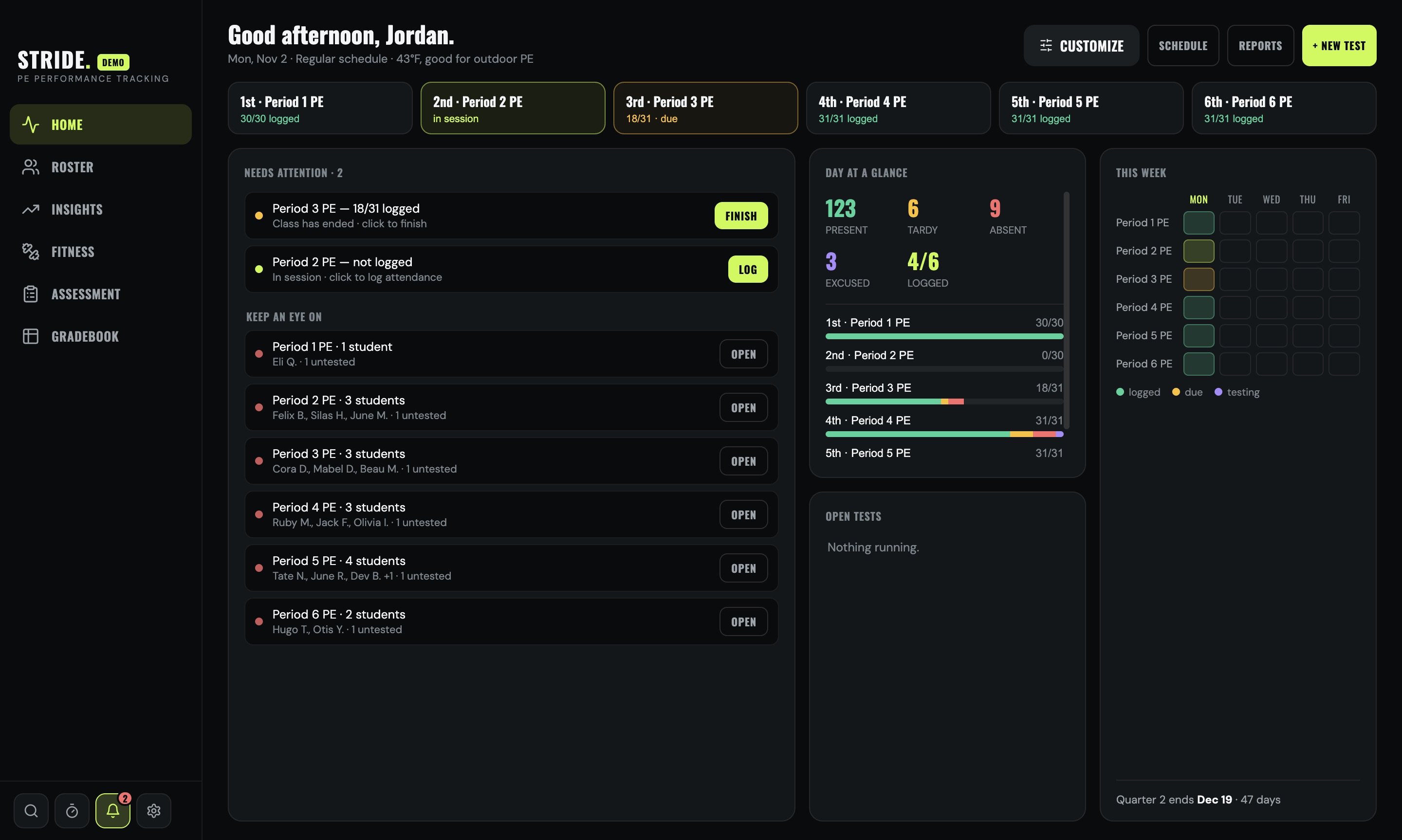
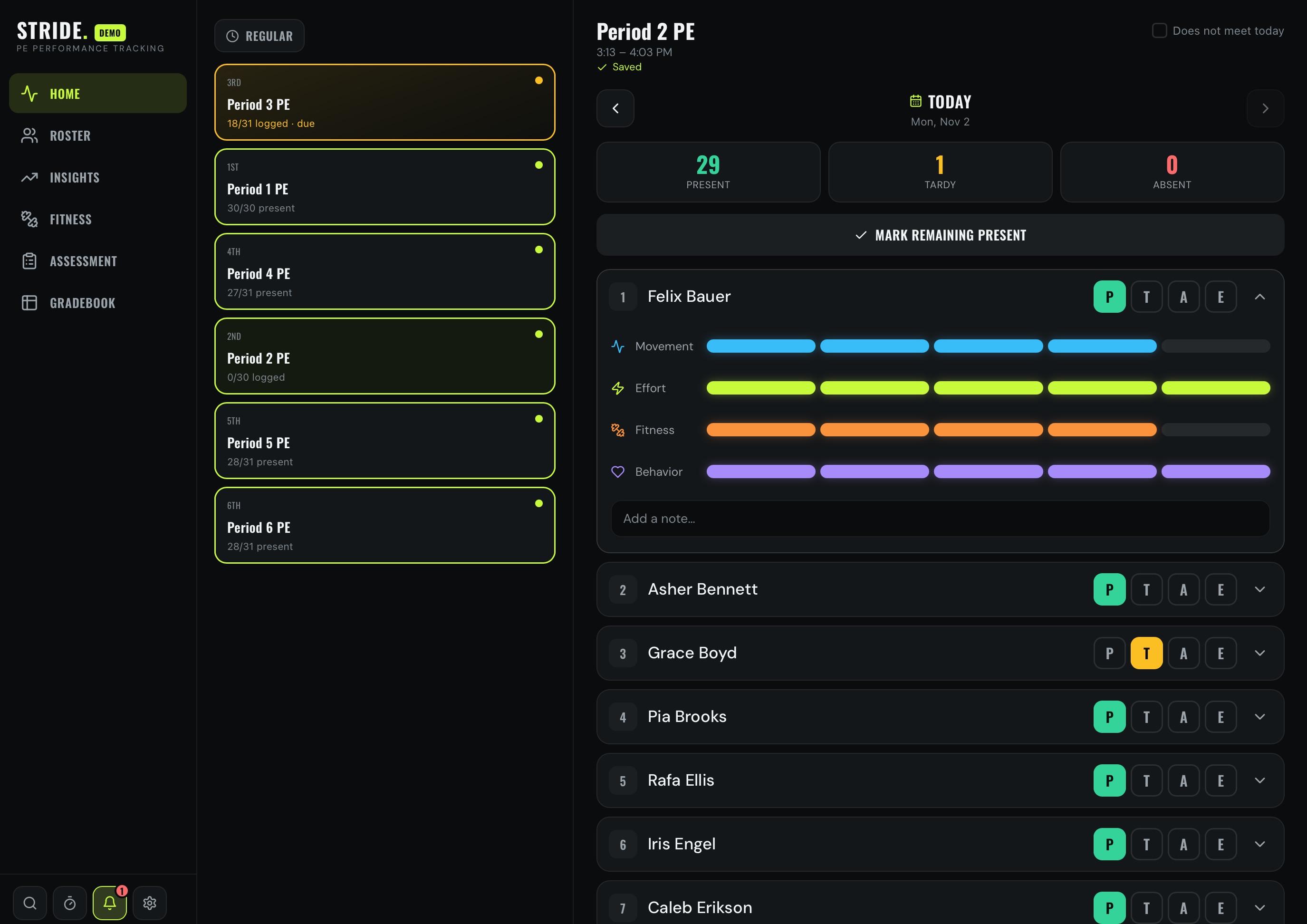
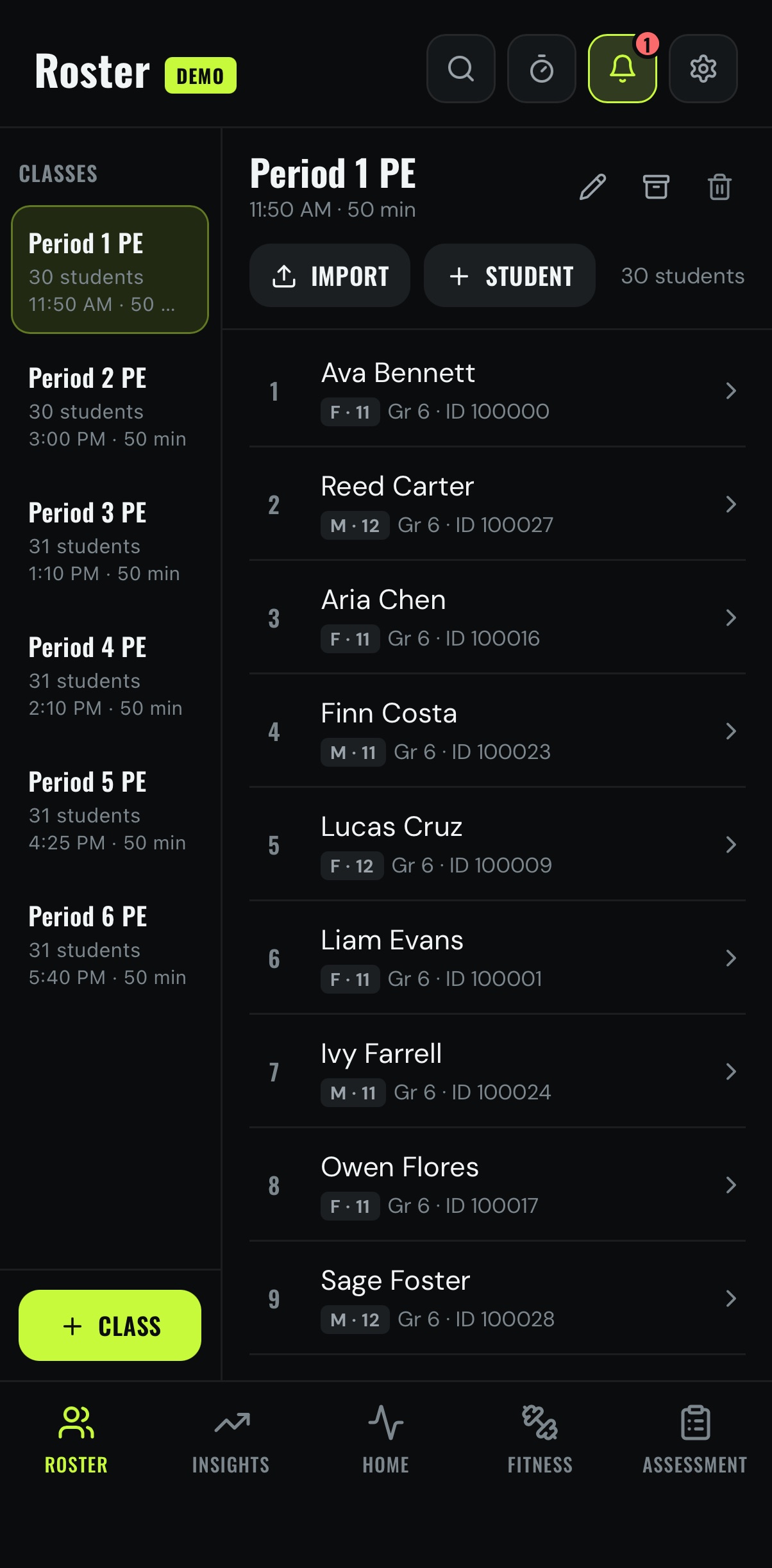
A class period
Bell to bell
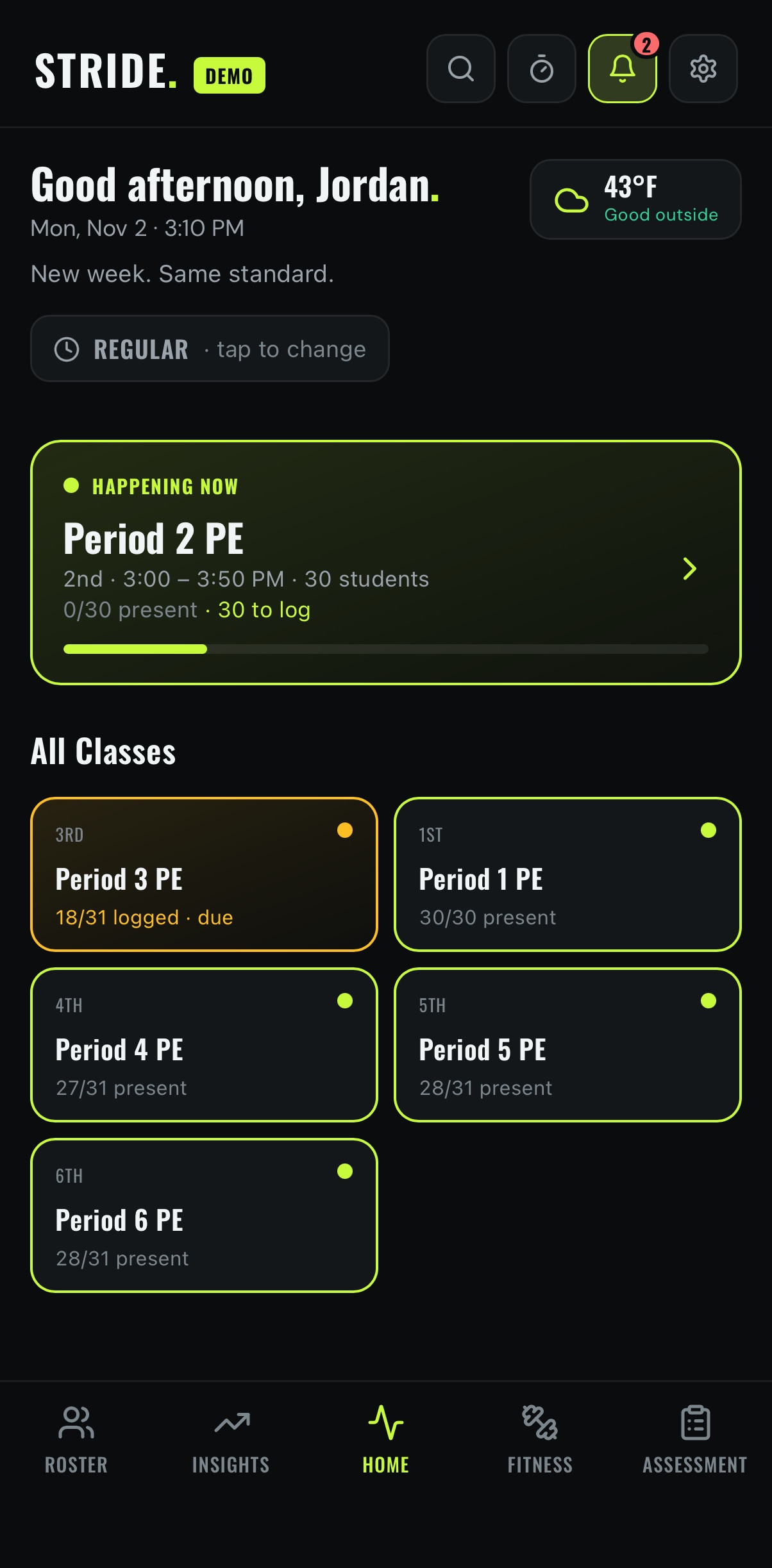
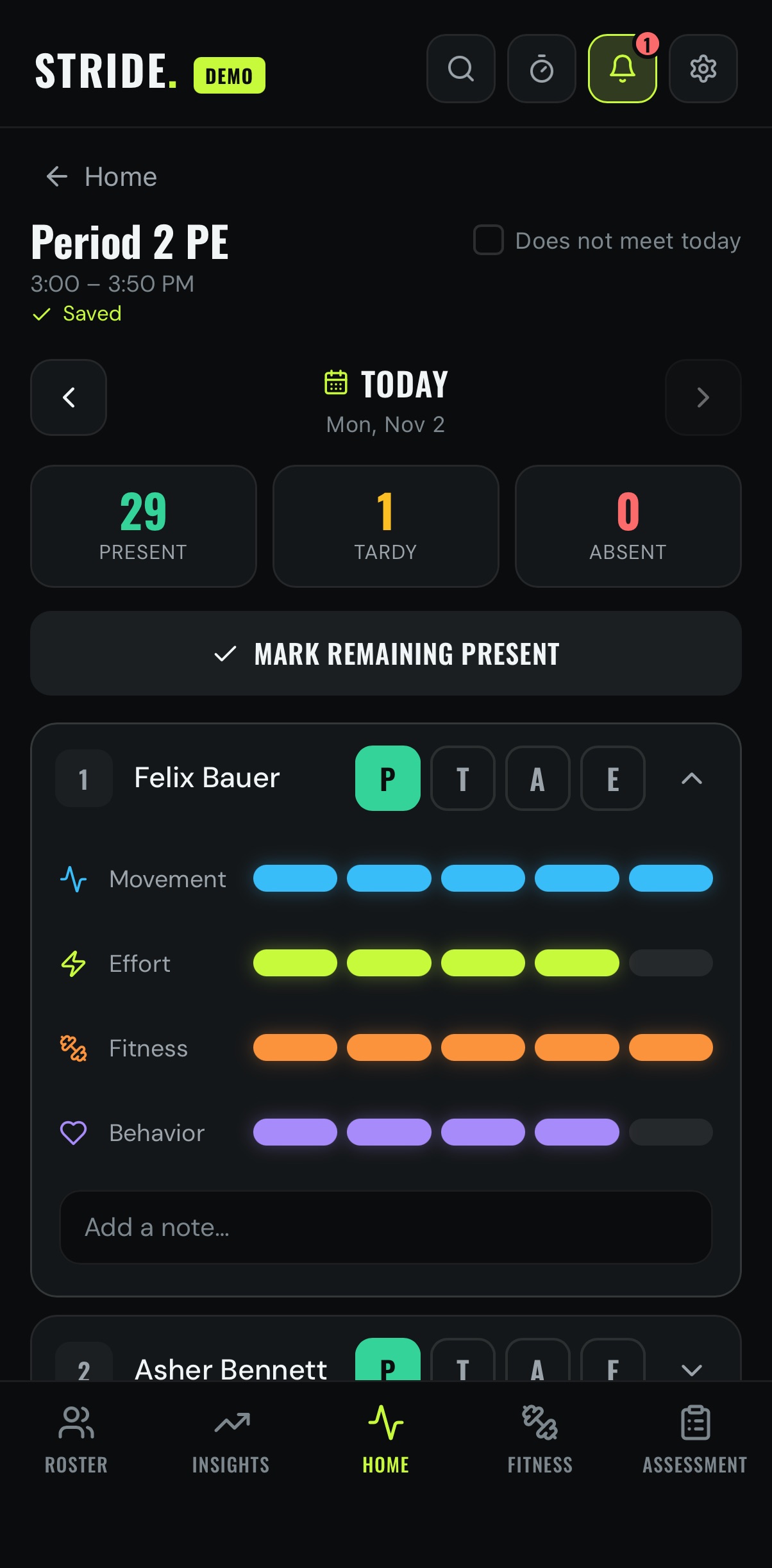
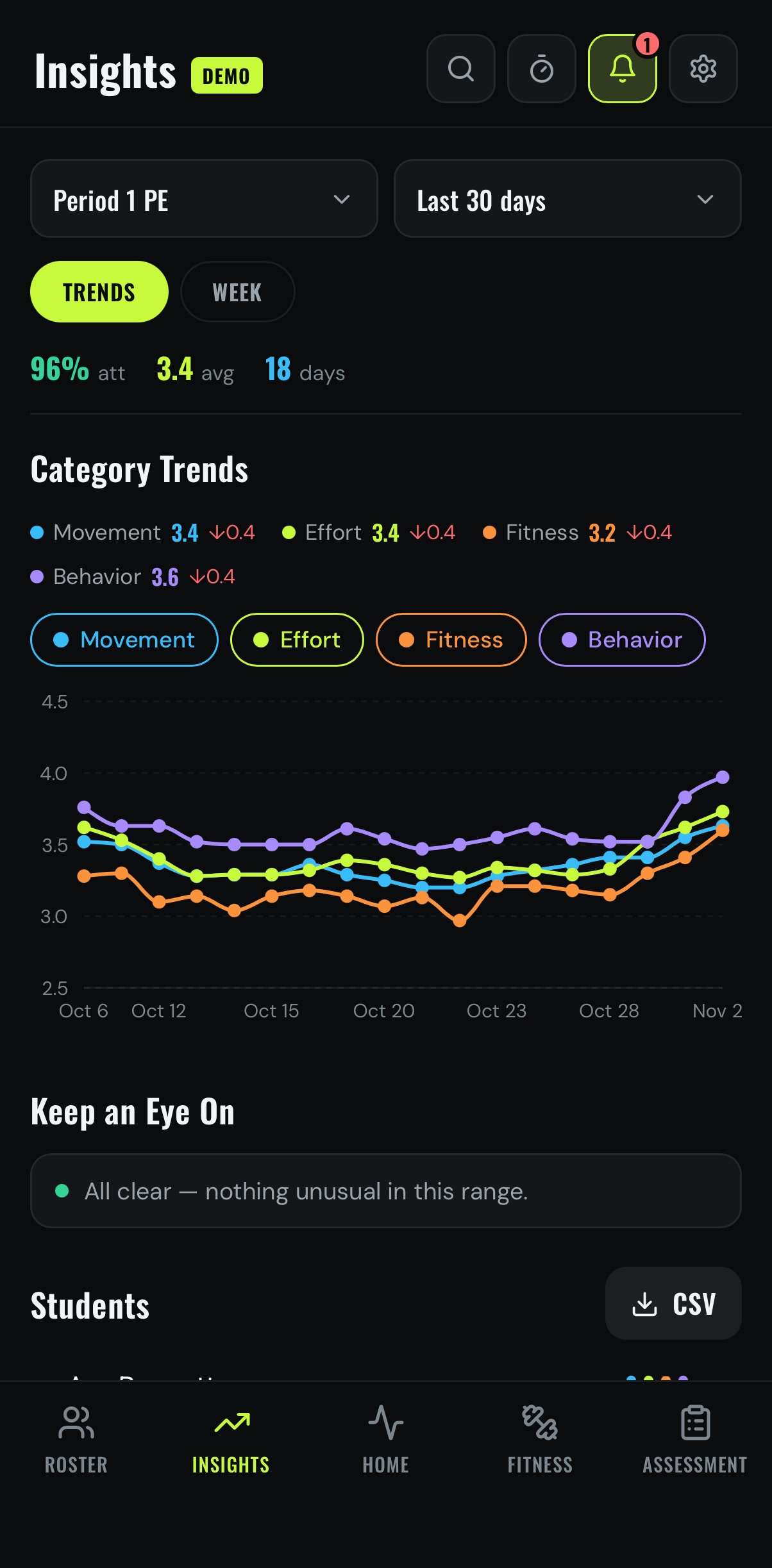
Daily ratings
Ratings in a tap
Your categories, your scale.
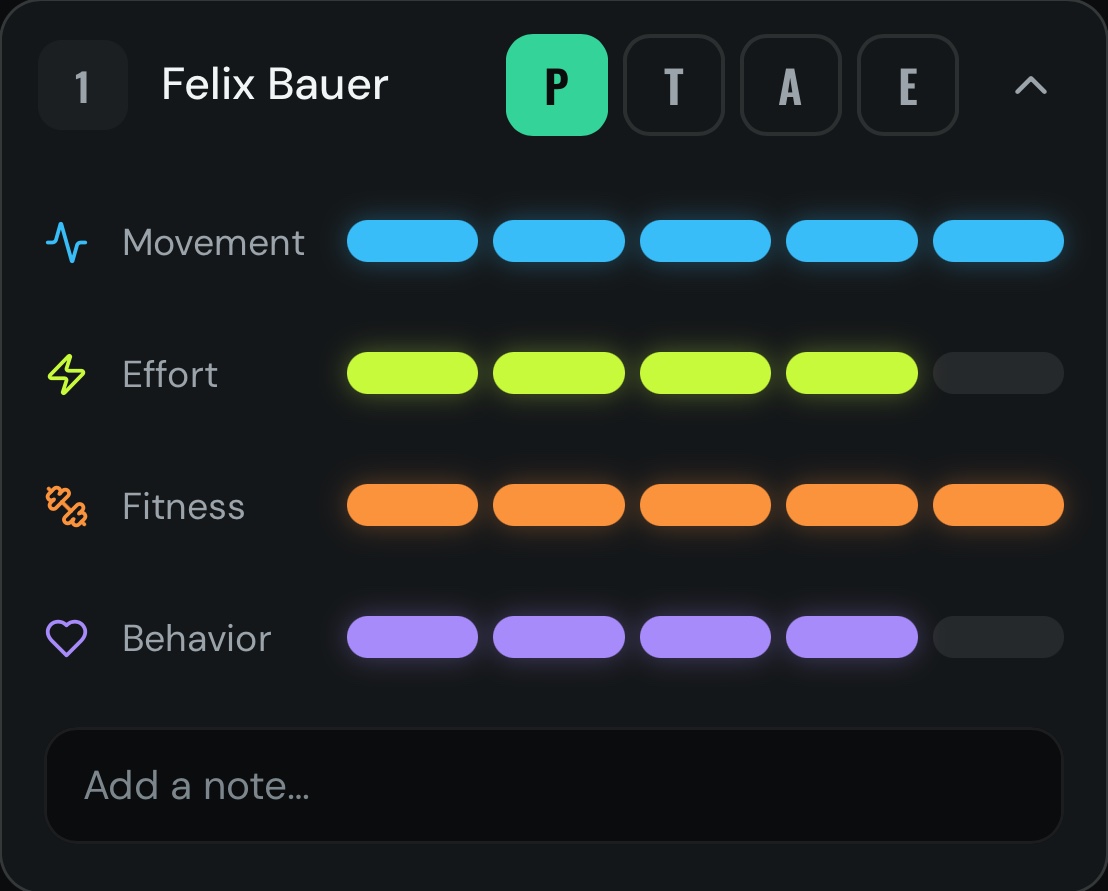
P · T · A · EPresent, tardy, absent or excused.
Your categoriesMovement, Effort, Fitness, Behavior, or your own.
A note for any dayTyped straight onto the student's record.
- P · T · A · EPresent, tardy, absent or excused.
- Your categoriesMovement, Effort, Fitness, Behavior, or your own.
- A note for any dayTyped straight onto the student's record.
Fitness testing
Fitness testing, simplified
The Presidential Fitness Test is built in, or build your own.
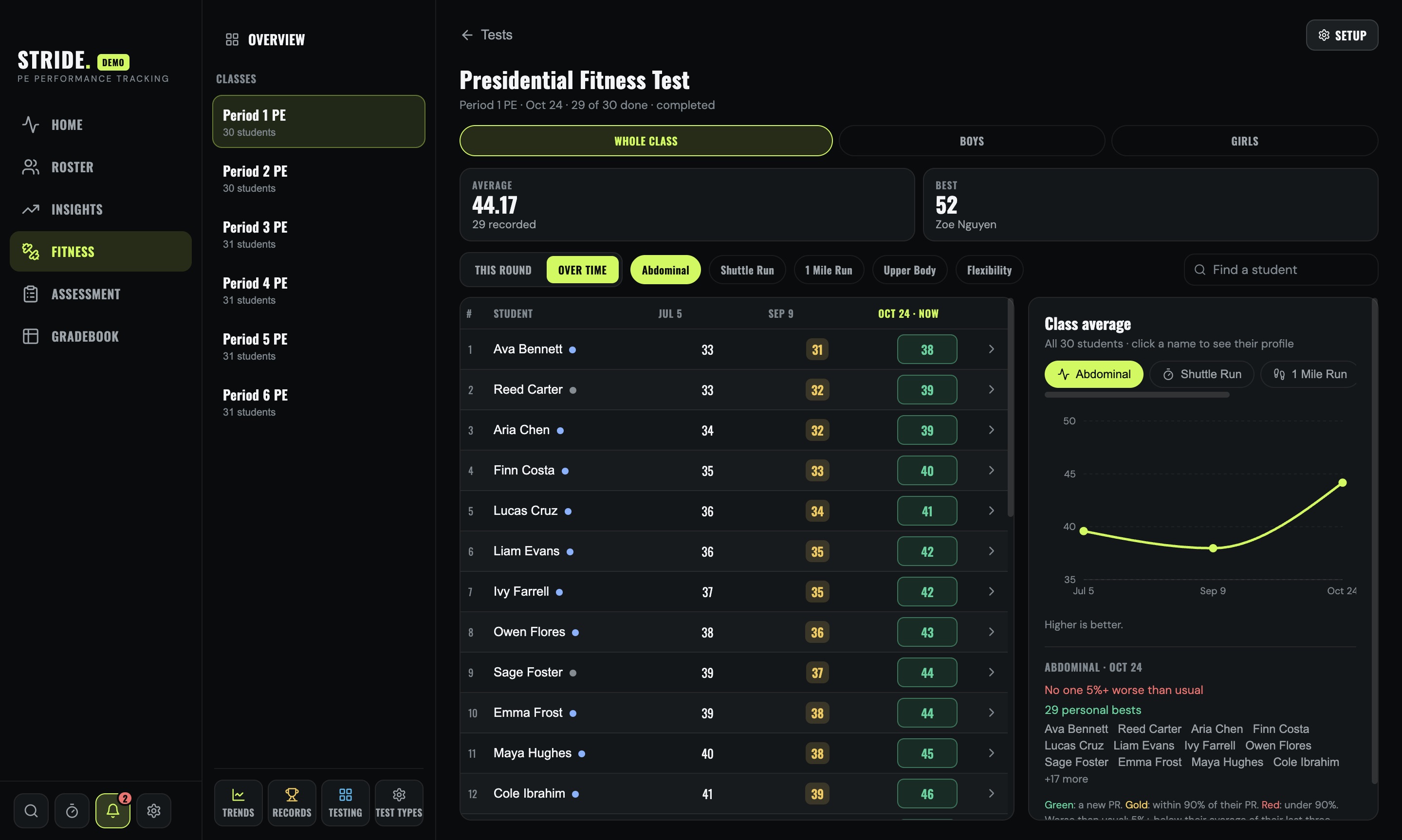
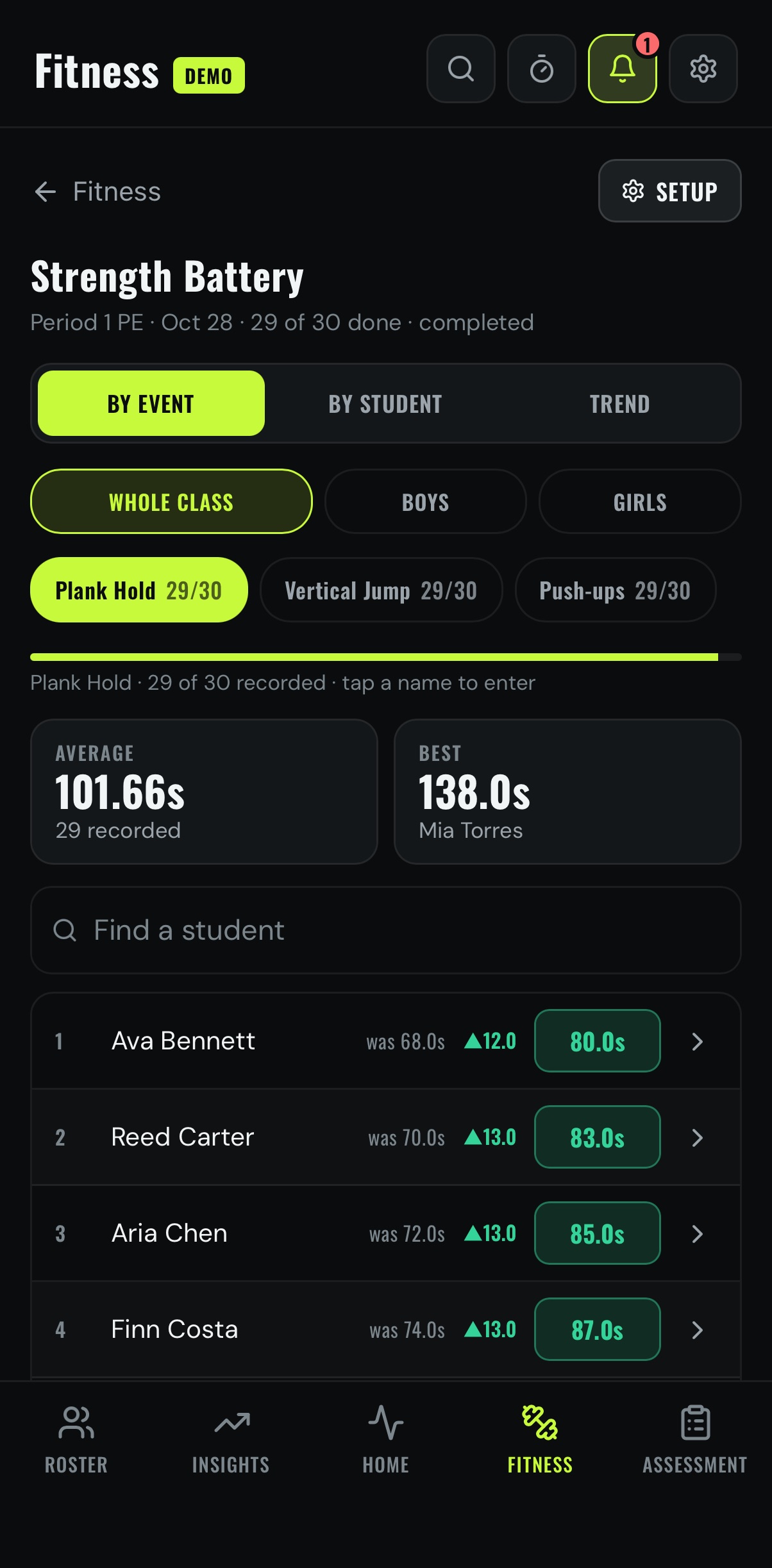
At a glanceThe whole class, test by test.
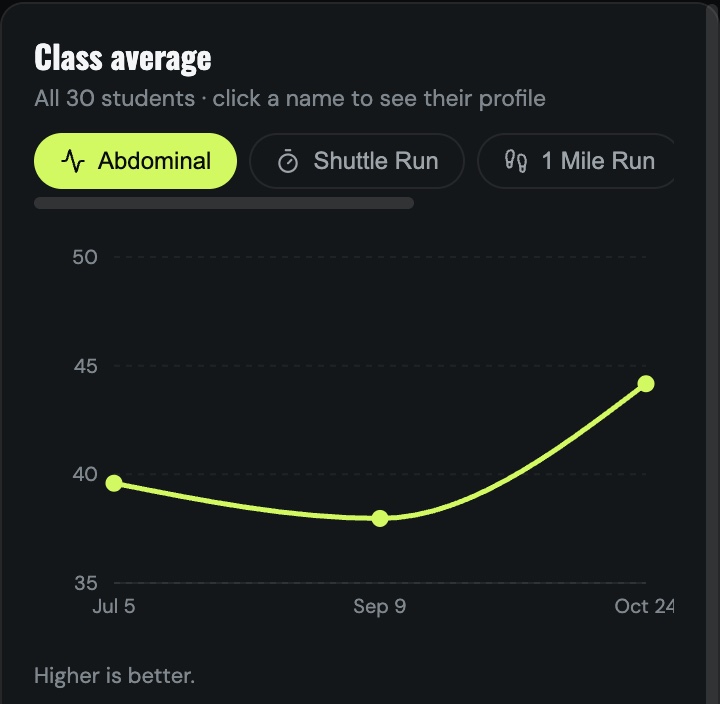
Class trendsWatch the class improve over the year.
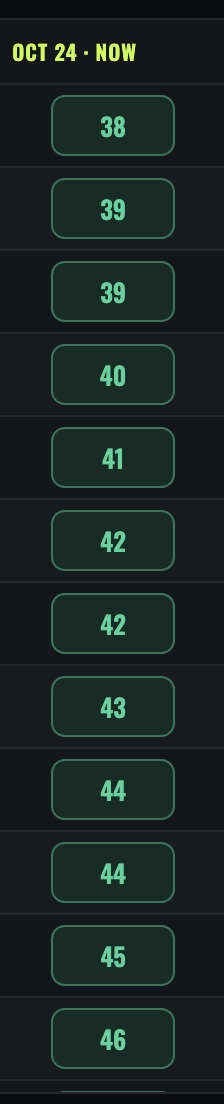
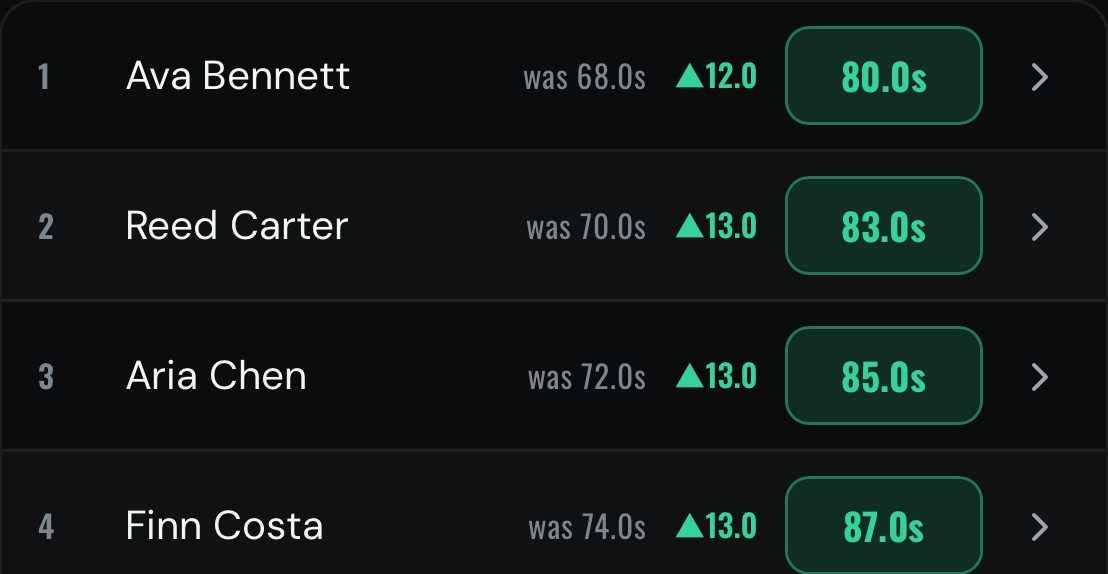
ProgressEvery result beside the last one.
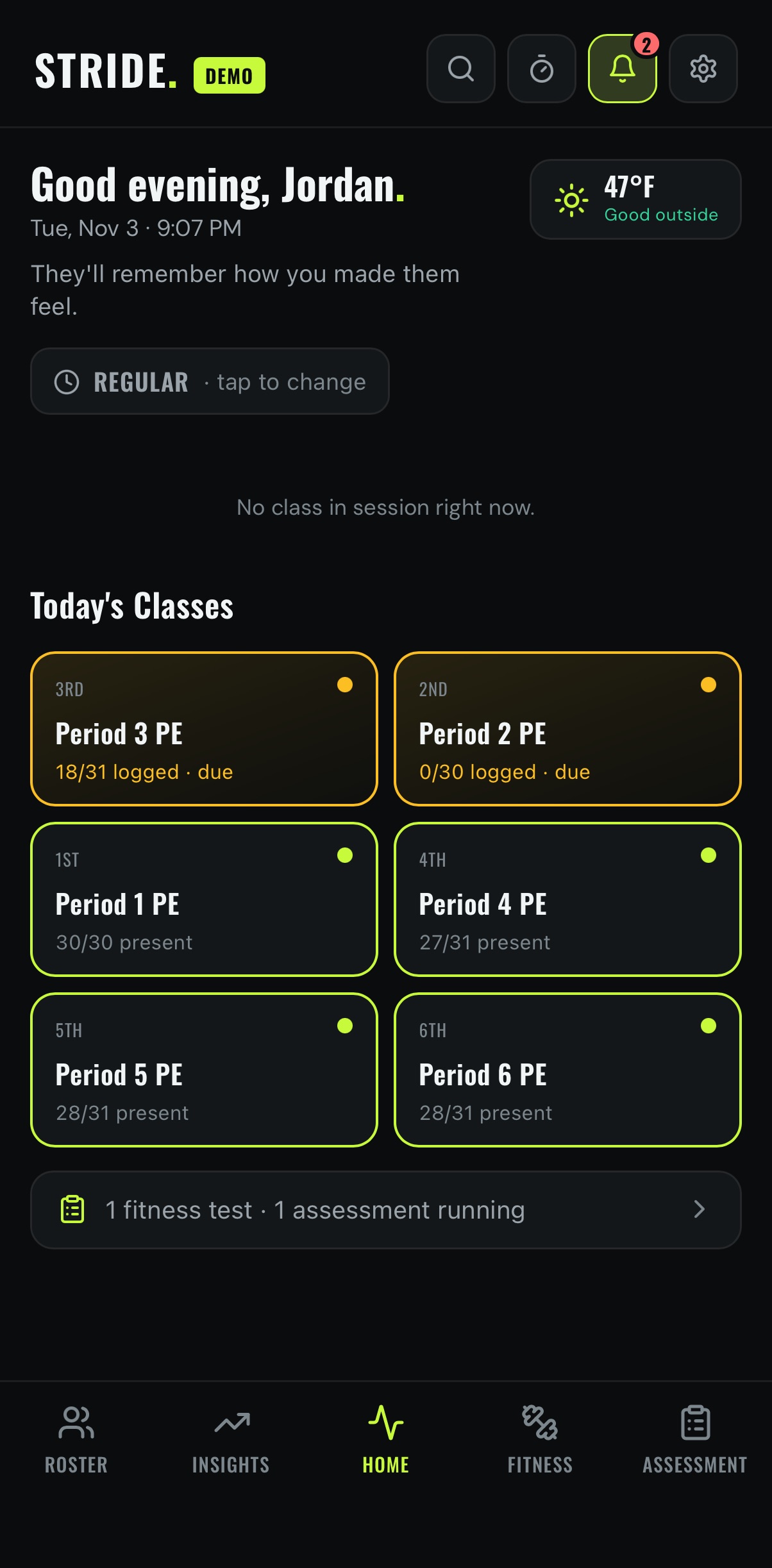
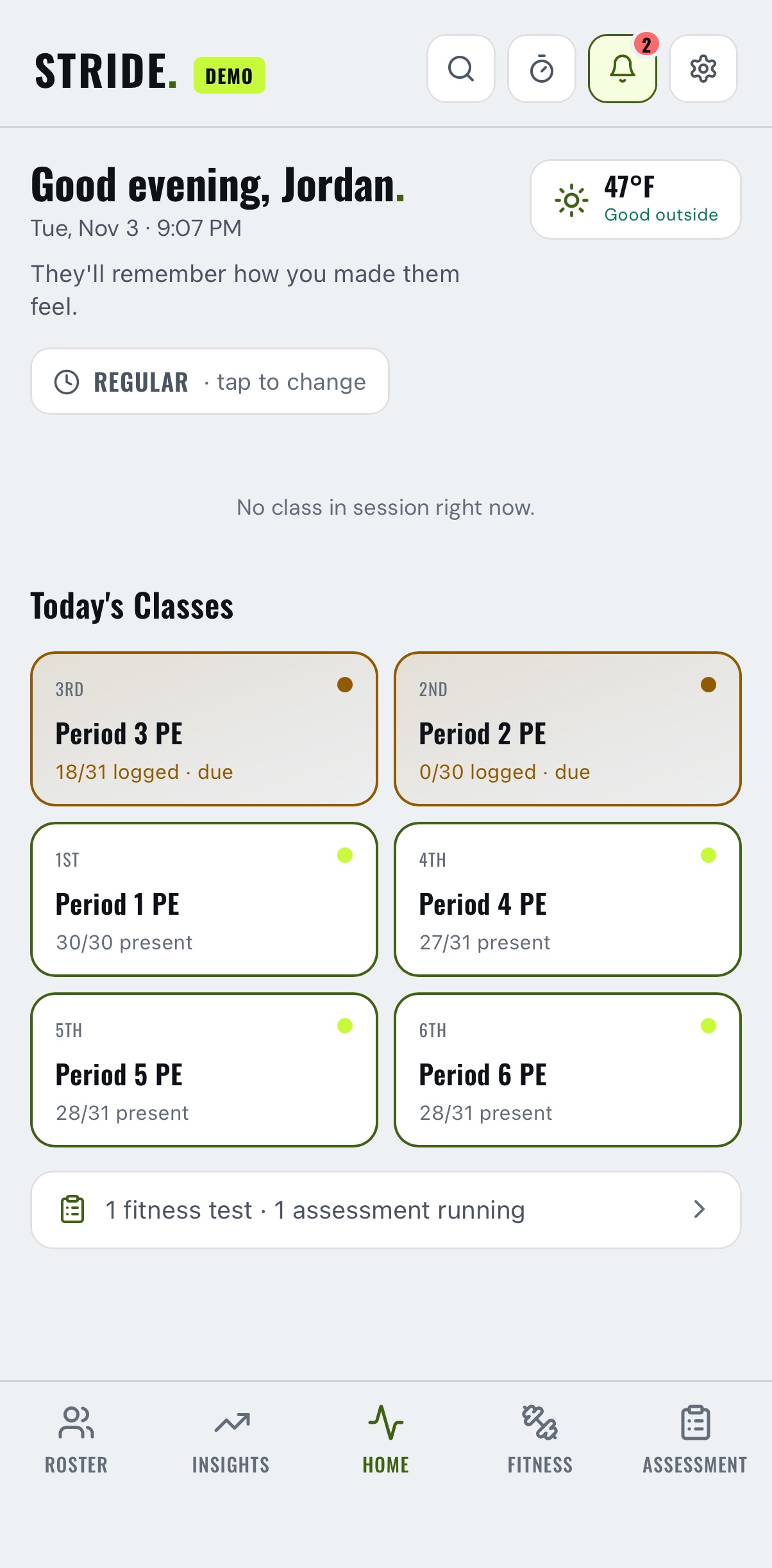
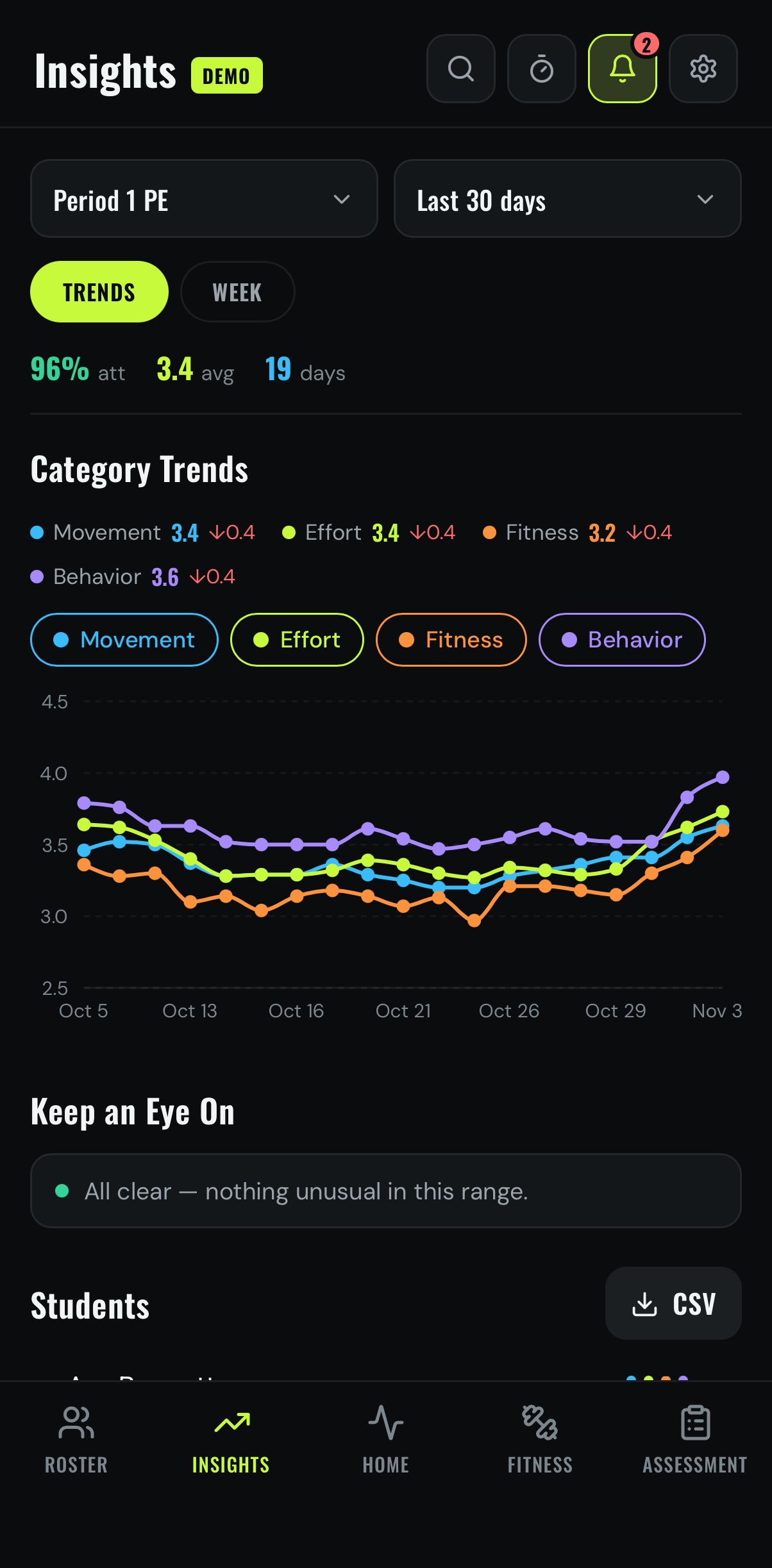
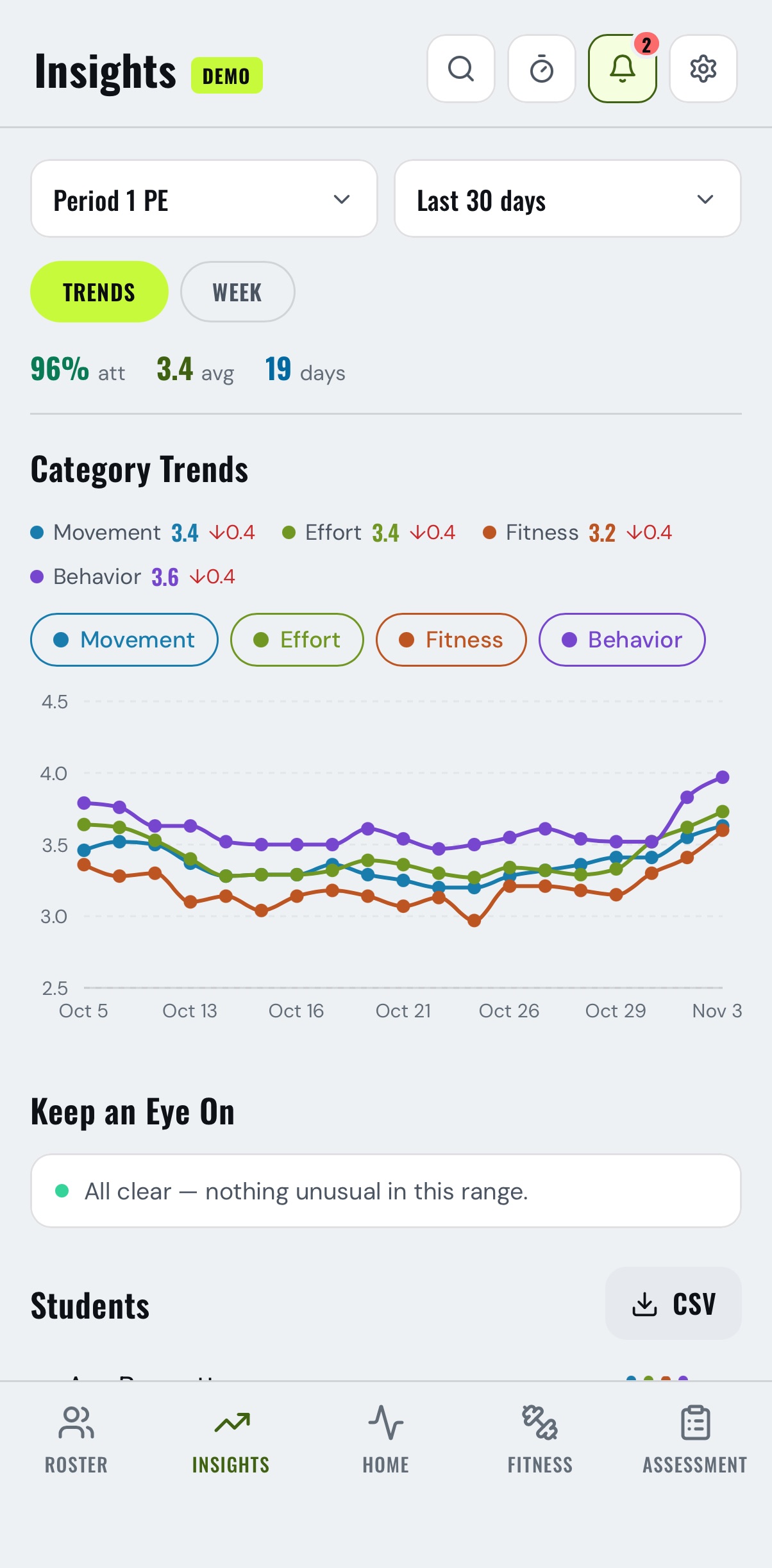
Light, dark or System
Bright gym, dark office
Pick light or dark, or let STRIDE follow your device. Each device keeps its own choice.
Gradebook and PowerSchool · iPad and Mac
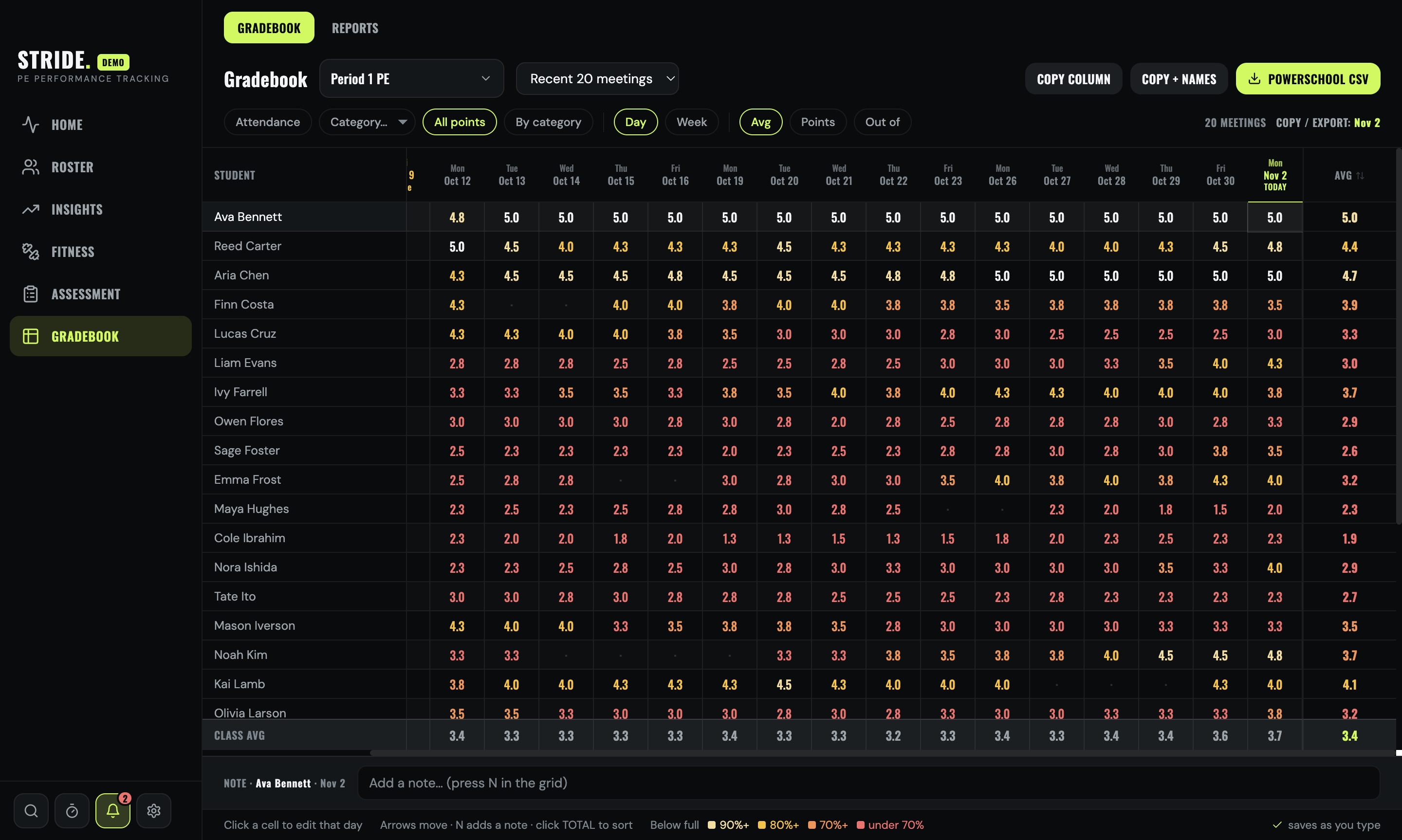
Every day, every student
Attendance and points in one grid. Export a file PowerTeacher Pro imports straight into an assignment.
 1
2
3
- 1Click any cellEdit that student's day.
- 2PowerSchool CSVReady for Import Scores.
- 3Colour shows the gapAnything below full marks stands out.
Skills assessment
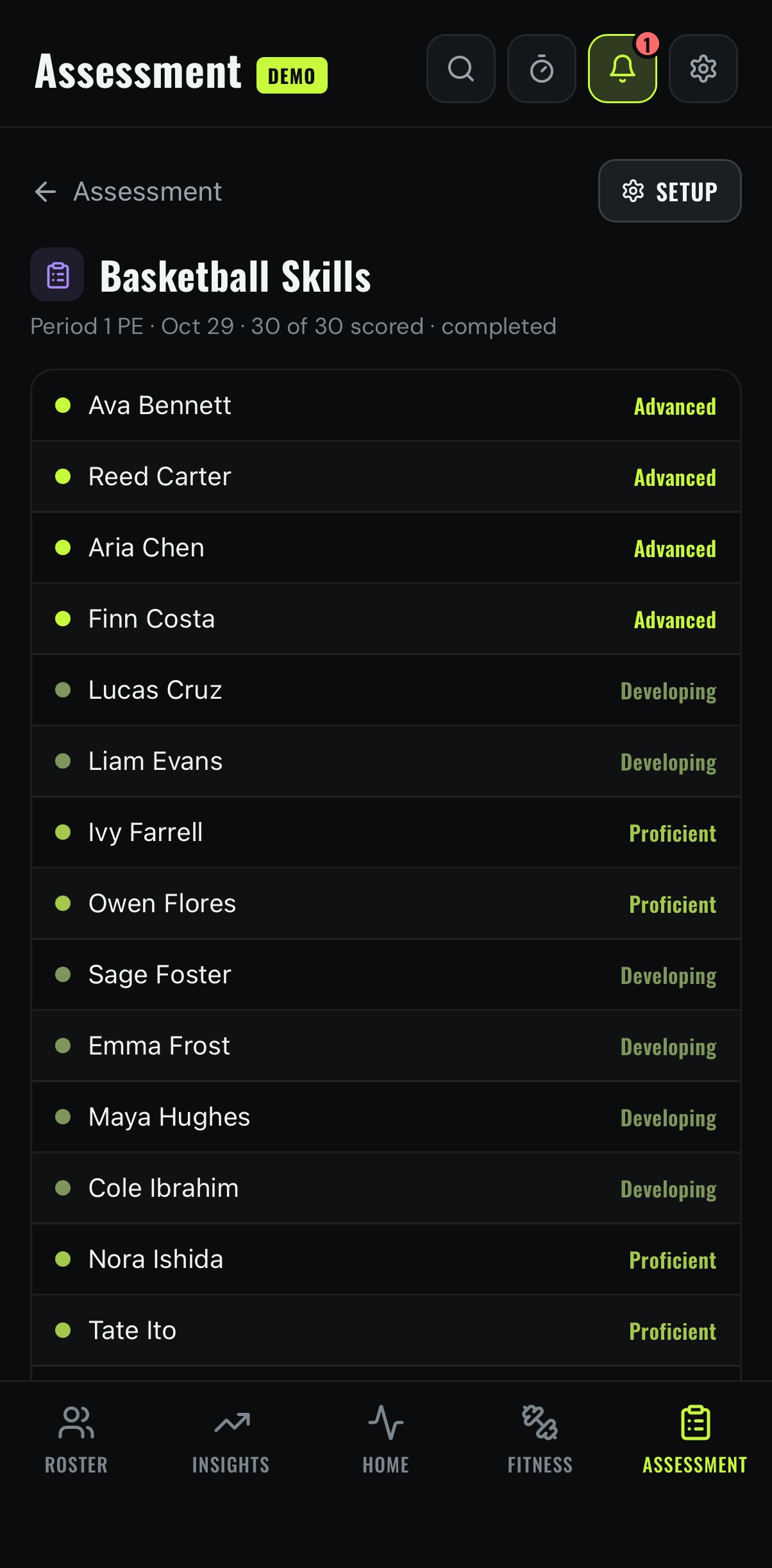
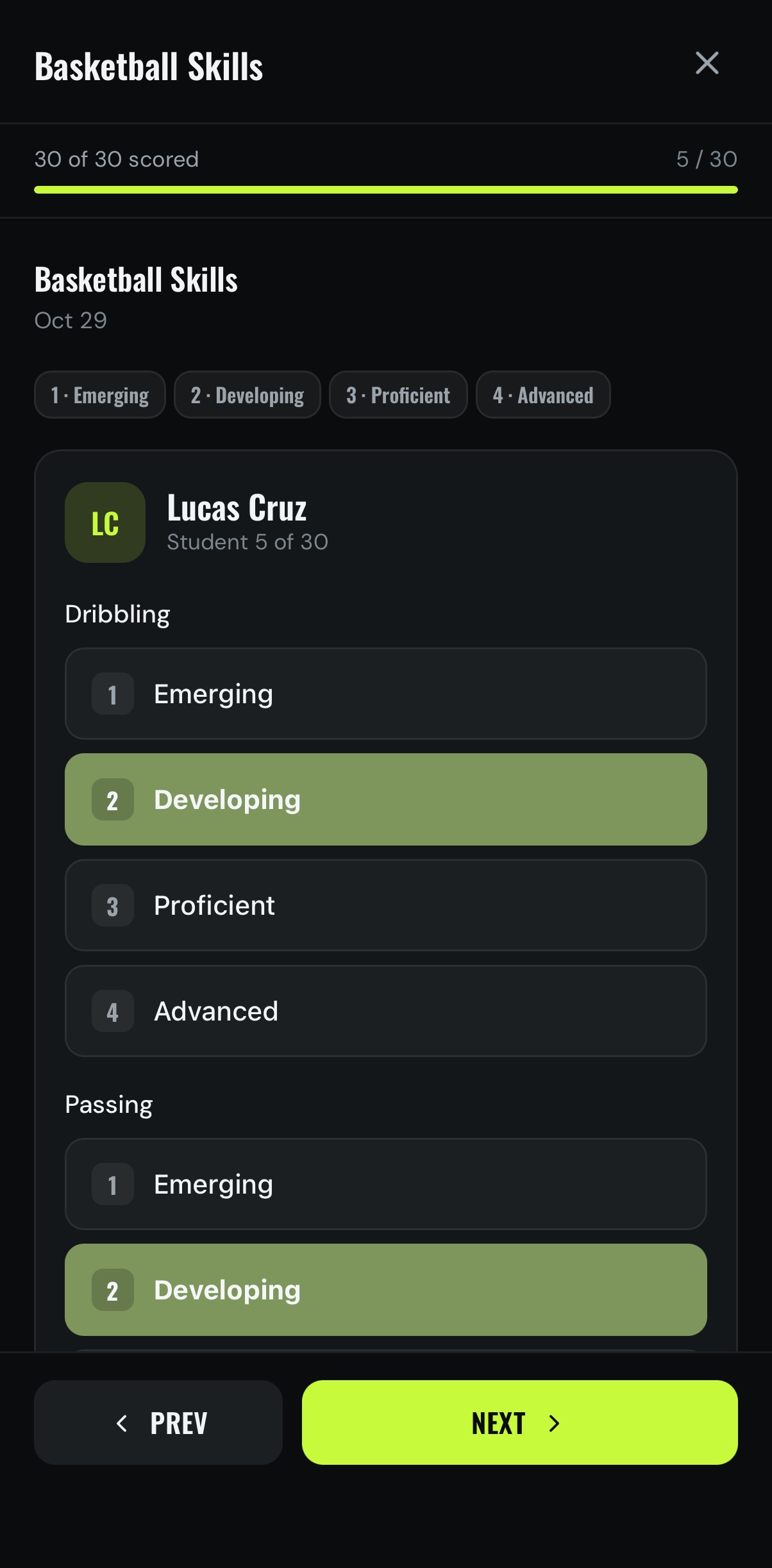
Rubrics, made quick
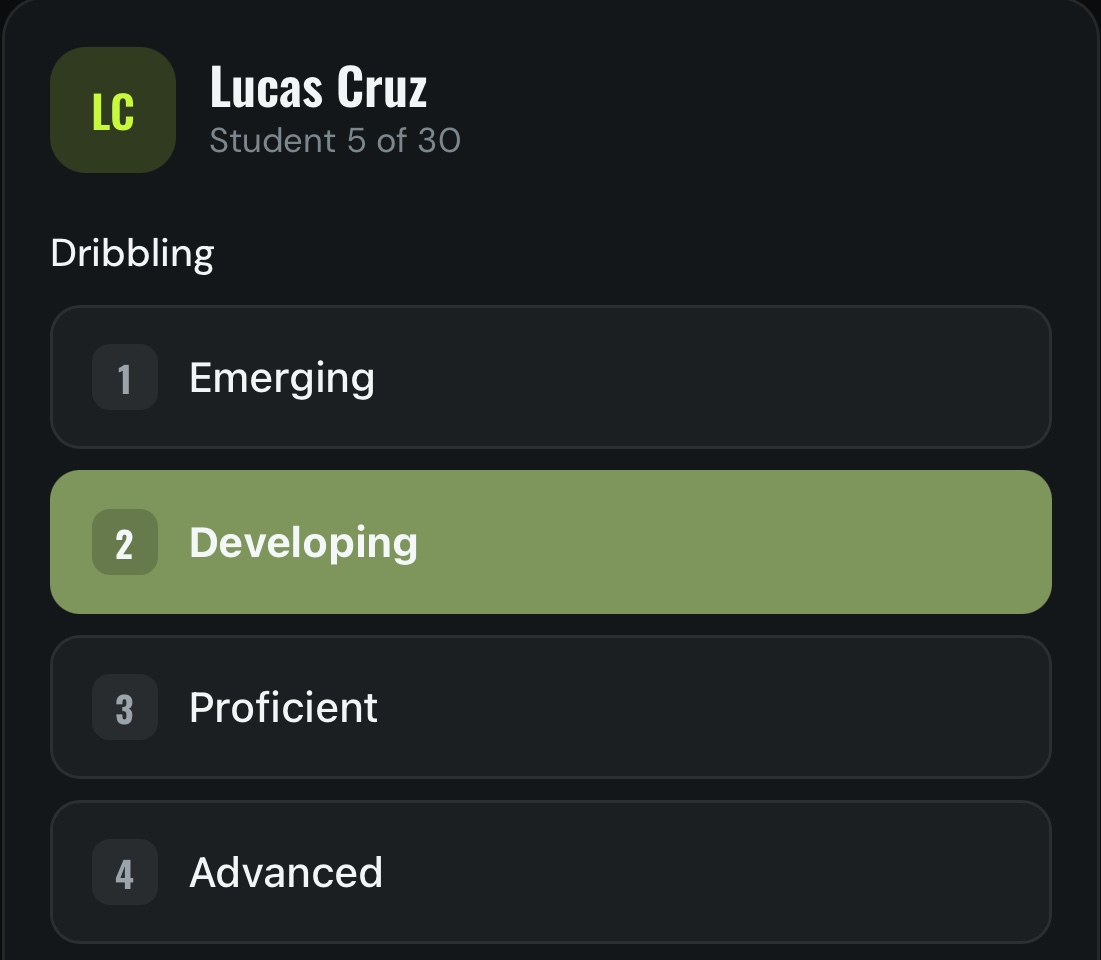
Use a ready-made rubric or write your own.
- One row per classEvery past assessment, by date.
- Your levelsNamed once in Settings, shared by every rubric.
- Prev · NextMove through the class in order.
Student profiles
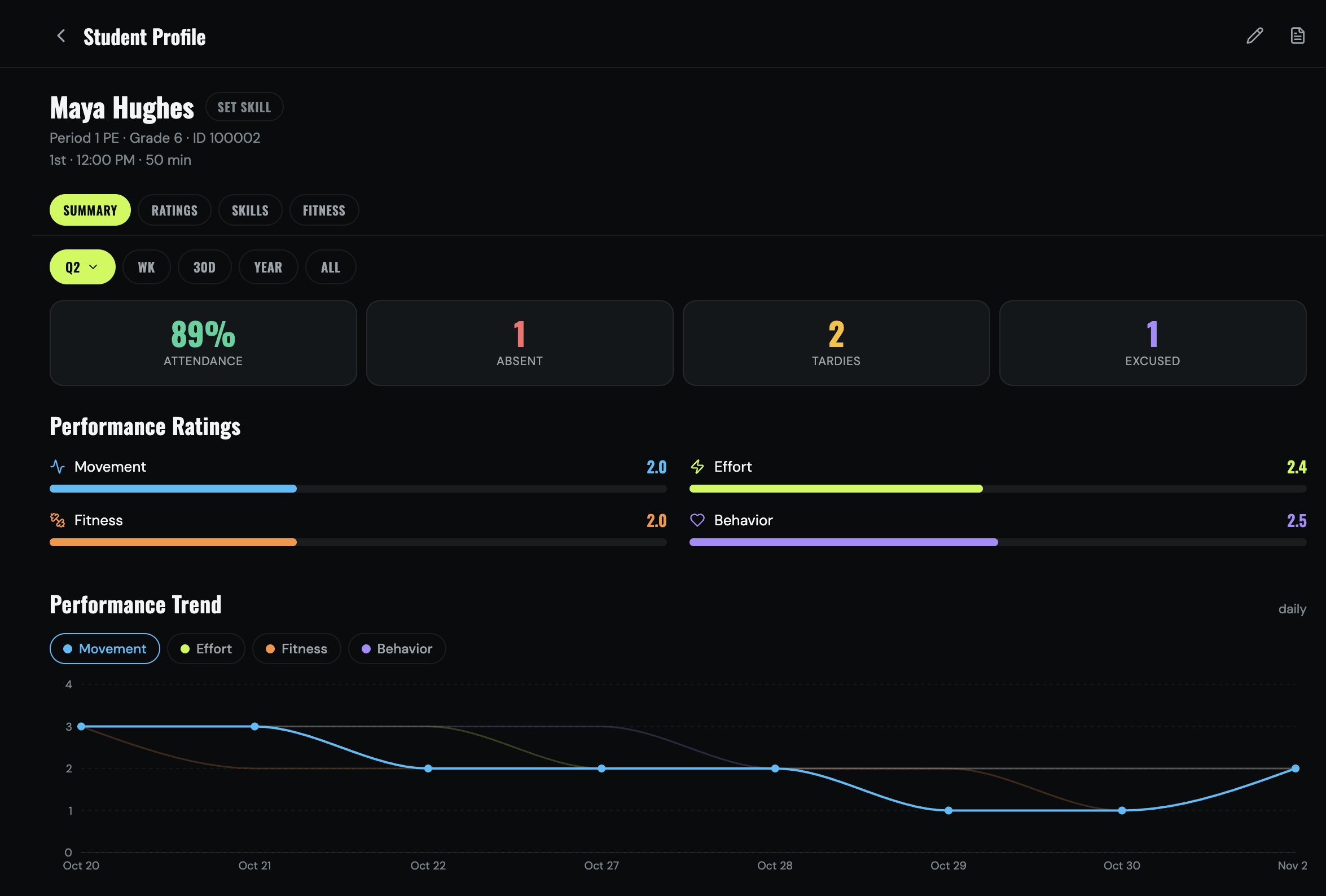
One student, one screen
Attendance, ratings, skills and fitness together. Print or share it as a PDF.
End of term
New term, clean slate
Classes archive themselves when the term ends. Nothing is deleted.
Runs untilPick the term end in Edit Class.
A week's noticeTime to send grades to PowerSchool.
ArchivedOff every tab, under Roster › Archived.
RestoreOne tap brings it back.
Toolkit
The gym tools, built in
One tap from any screen. Pin the ones you use most.
Interval TimerInterval BuilderGroup RotatorTeam BuilderScoreboardStudent Picker
Wheel of NamesCoin FlipActivity DiceBracket BuilderHR Zones
Private by design
Student data stays with you
Everything lives on your own device. Read the privacy policy.
No accountsNothing to sign up for.
No STRIDE serversNothing passes through us.
Works offlineNo signal needed in the gym.
iPhone · iPad · Mac
Made for each screen
iPhone
- Home-screen widget
- Face ID / Touch ID lock
- Class reminders
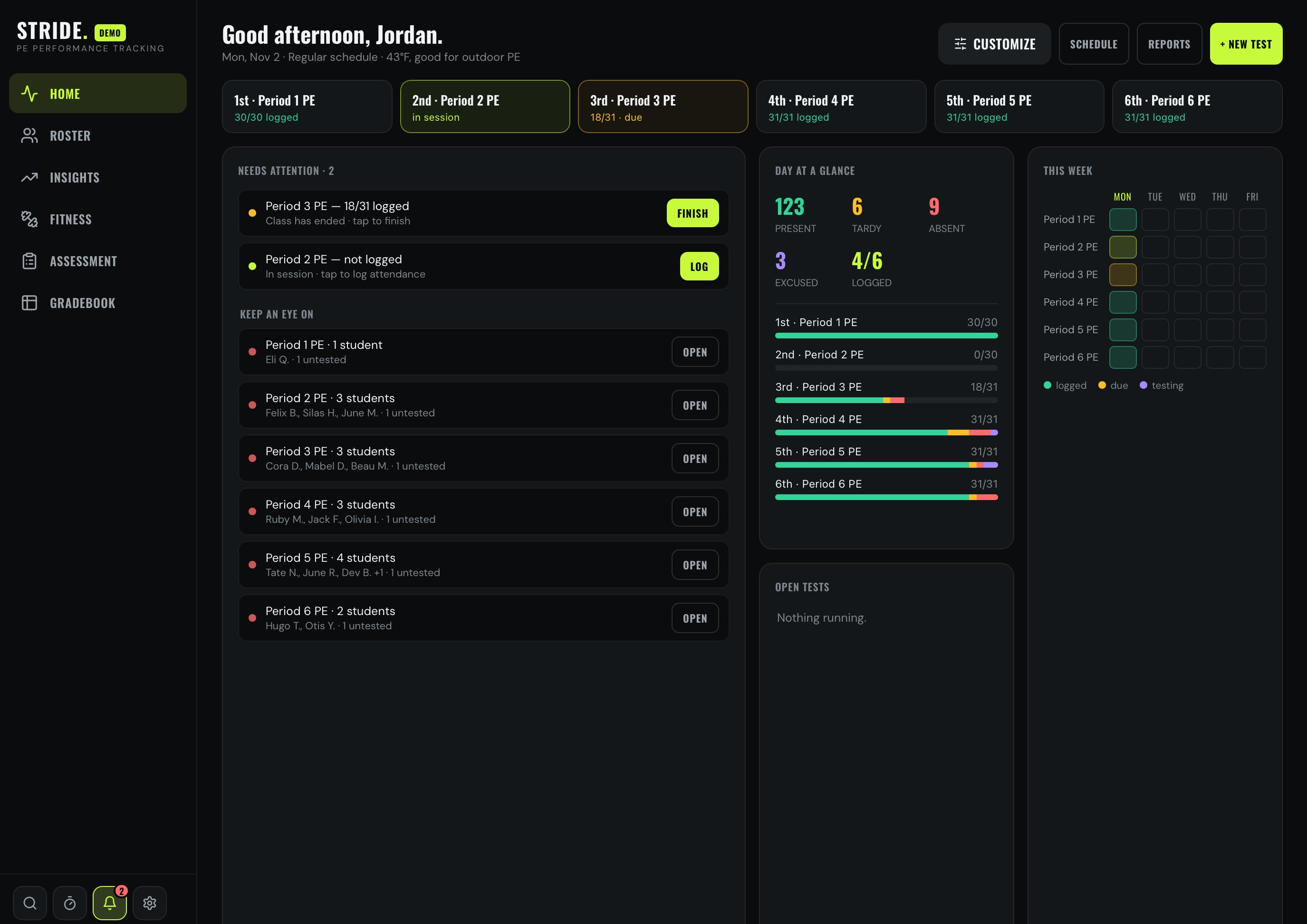
iPad
- Classes beside the class you're logging
- Gradebook in landscape
- Widget and Face ID / Touch ID lock
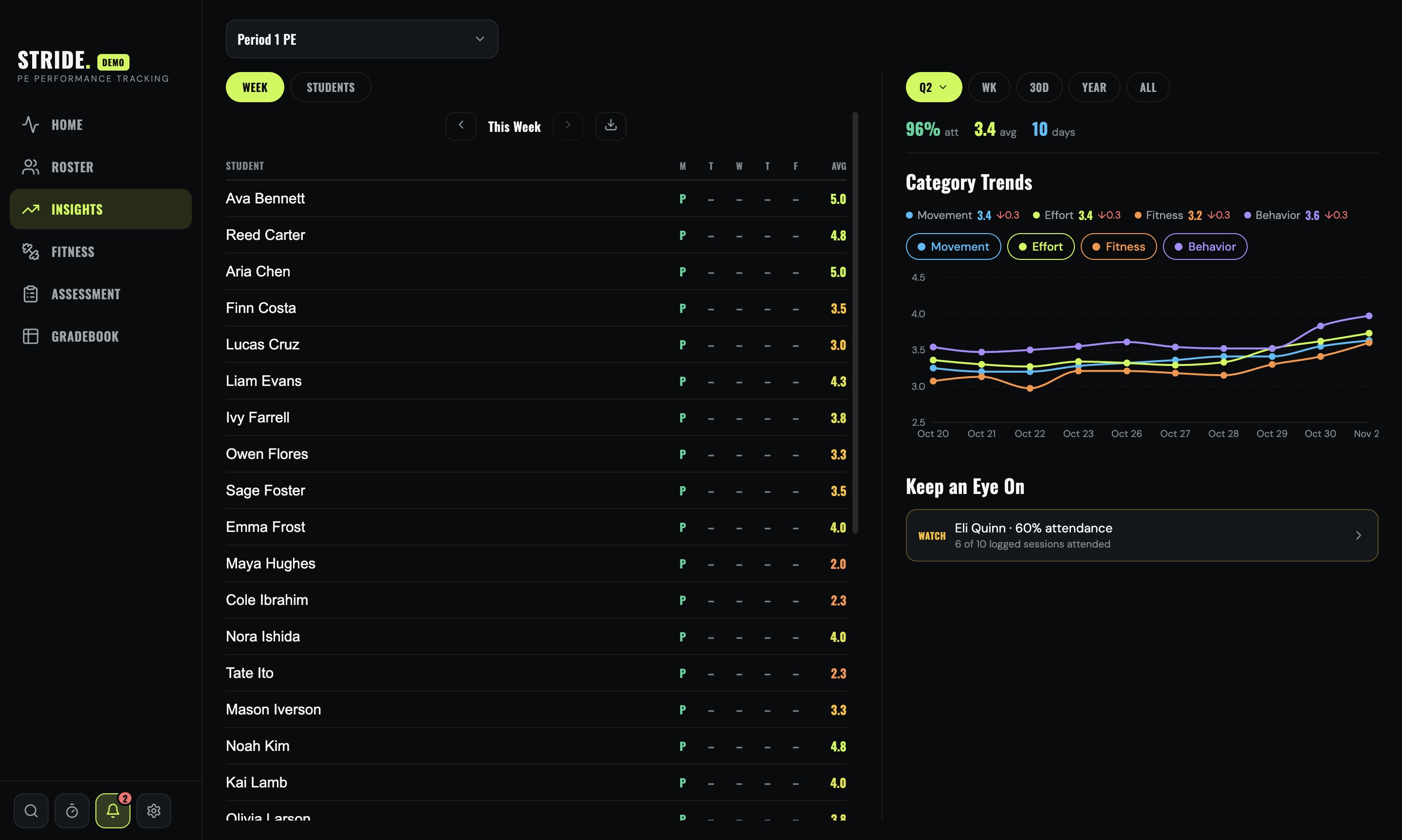
Mac
- Gradebook with keyboard entry
- Full-width profiles
- On request during the beta